

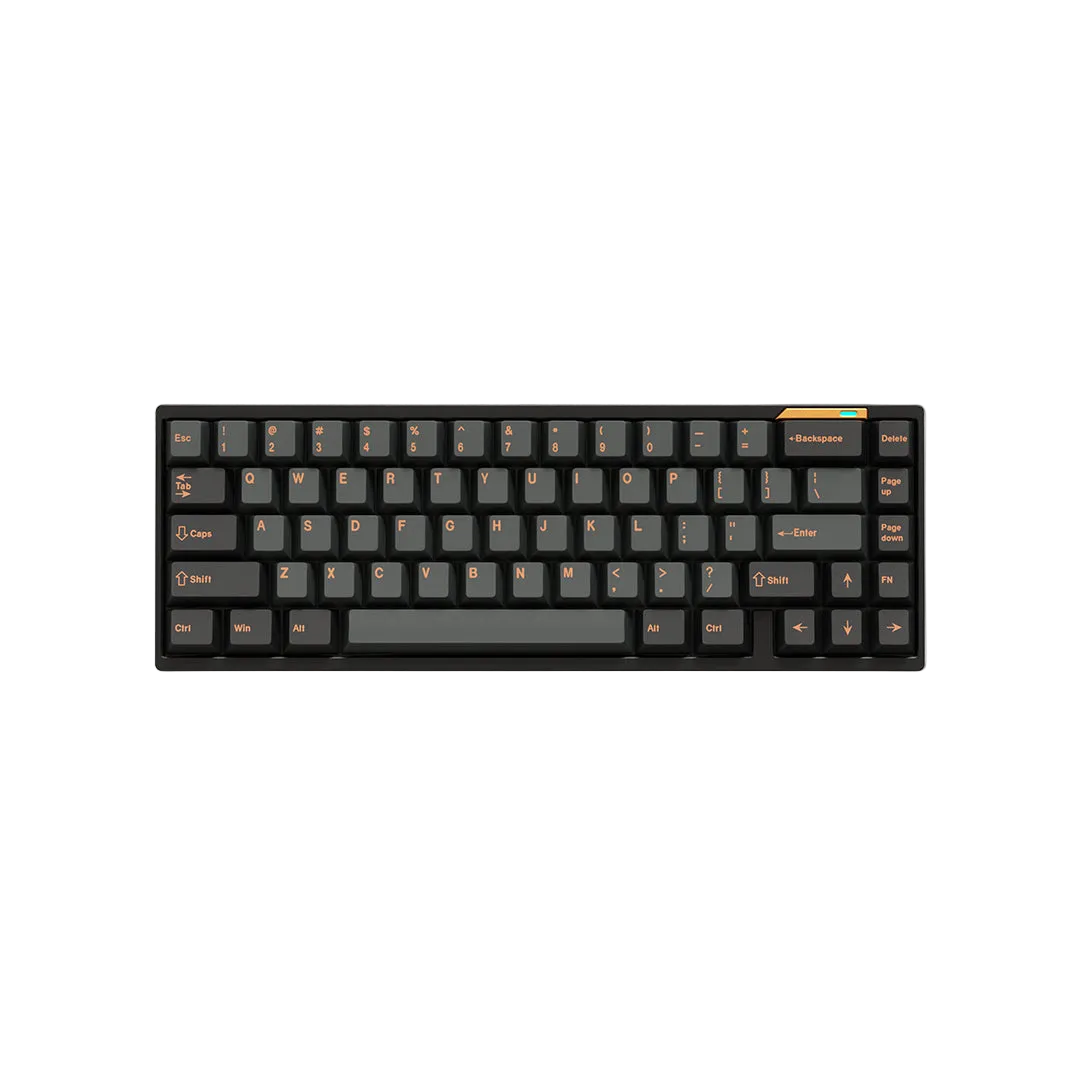
Finding the Perfect Mechanical Keyboard for Your Mac Setup
Apple's Magic Keyboard looks great, but typing on it for 8 hours a day is punishing. If you're a Mac user looking to upgrade to a proper custom mechanical keyboard, you've probably noticed that 90% of the market is built exclusively for Windows gamers.
Here is what you actually need in a Mac-focused mechanical keyboard, and why the Luminkey65 is the best option available.

What Mac Users Need
1. Native Mac Layout Support: You need Command and Option keys in the right place. Remapping Windows keys works, but having the proper layout out of the box is better.
2. Seamless Bluetooth: Macs have limited ports. You need reliable Bluetooth 5.0 that wakes up instantly and doesn't drop connection.
3. Premium Aesthetics: If you spent $2,000 on an aluminum MacBook Pro, you don't want a cheap plastic RGB gaming keyboard sitting next to it.
The Solution: Luminkey65
The Luminkey65 hits every requirement for Mac power users.
- Full CNC Aluminum Case: Matches the build quality and aesthetic of Apple hardware perfectly.
- Tri-Mode Wireless: Connect via Bluetooth to your Mac, iPad, and iPhone, and switch between them instantly.
- VIA Support: Remap any key directly in your browser. No sketchy Windows-only software required.

Why 65% is the Perfect Layout
The 65% layout gives you dedicated arrow keys (crucial for navigating text and code) while remaining compact enough to easily throw in a backpack alongside your MacBook.
共有する:
Rapid Trigger vs Traditional Mechanical Switches: The Ultimate Test
Does 8000Hz Polling Rate Actually Matter for Gaming?