

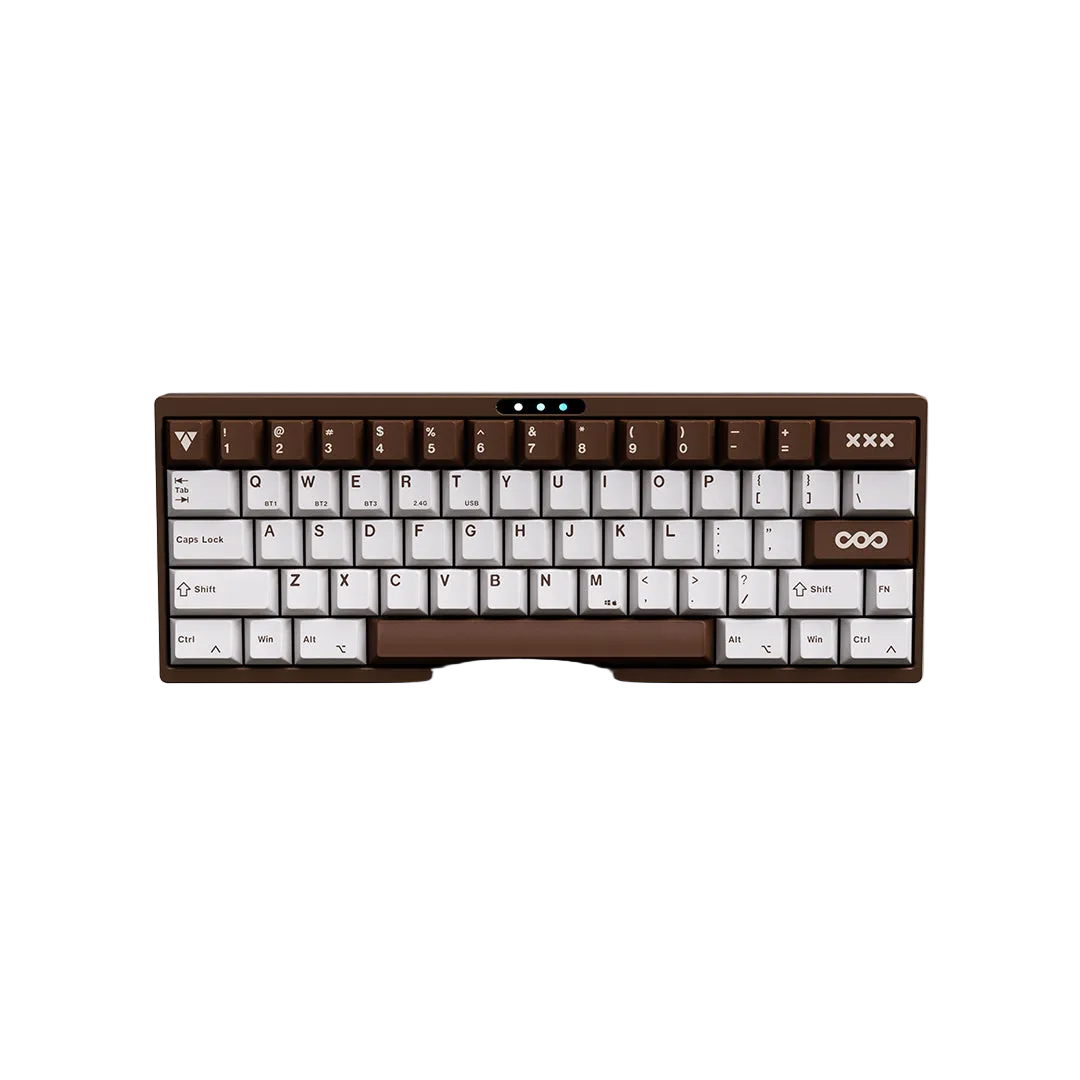
How to Make Your Mechanical Keyboard Sound More Creamy
Discover how switches, foam, keycaps, stabilizers, and keyboard structure work together to create a smoother, creamier typing sound.
What Is a Creamy Keyboard Sound?
A creamy keyboard produces a rounded, smooth typing sound with reduced scratch, metallic ping, and hollow resonance. It focuses on refinement rather than simply lowering volume.
| Creamy | Thocky |
|---|---|
| Smooth, rounded, balanced | Deep, heavy, bass-focused |
| Softer bottom-out | Stronger impact |
| Less high-frequency noise | More low-frequency emphasis |
What Affects Keyboard Sound?
- Switches
- Stabilizers
- Mounting style
- Internal dampening foam
- Keycaps
- Desk surface
Switches: The Foundation
Smooth linear switches are usually the easiest path to a creamy typing experience thanks to lower friction, cleaner travel, and softer bottom-out. Factory-lubed switches are an excellent choice for beginners.
Stabilizers Matter
Tune the spacebar, Enter, Shift, and Backspace before making larger modifications. Proper lubrication and wire balancing often provide the biggest improvement.
Foam & Keyboard Structure
Foam
Plate foam softens resonance, case foam reduces hollow echo, and switch pads help round out the initial impact.
Gasket Mount
Gasket-mounted keyboards generally provide a softer typing feel with reduced vibration, making them popular for creamy sound enthusiasts.
Keycaps
Thicker PBT keycaps often produce a fuller and more controlled sound than thinner keycaps. Profile and manufacturing quality also influence acoustics.
Should You Mod or Buy Pre-Tuned?
If you enjoy experimenting, modding offers endless possibilities. If you prefer a refined experience immediately, a well-designed keyboard with acoustic tuning can save significant time.
Many LUMINKEY keyboards feature gasket mounting, carefully tuned stabilizers, and acoustic dampening layers to help deliver a cleaner, smoother typing sound with minimal setup.
Tips for a Creamier Keyboard
- Add a desk mat.
- Tune stabilizers.
- Use smooth linear switches.
- Choose quality PBT keycaps.
- Add foam only if needed.
- Avoid over-lubricating switches.
FAQ
Is a creamy keyboard the same as a quiet keyboard?
No. Creamy describes tone and smoothness, while quiet refers only to volume.
Can Hall Effect keyboards sound creamy?
Yes. The case, foam, stabilizers, and keycaps still determine most of the acoustic character.
Why is my spacebar louder?
Because it uses stabilizers and has a larger keycap that resonates more.
共有する:
VIA経由でLX60をプログラムする